
Documentation
Introduction
EmbedMyBot adds an AI chatbot, trained on your own content, to any website with one line of code.
EmbedMyBot lets you build an AI chatbot trained on your website and content, then add it to any site by pasting a single <script> tag. The widget runs inside a sandboxed iframe, so it never clashes with your site's styles or scripts.
You stay in control: crawl your site or upload files to build the knowledge base, style the widget to match your brand, add skills like lead capture and human handoff, and watch it all in analytics, no code required.
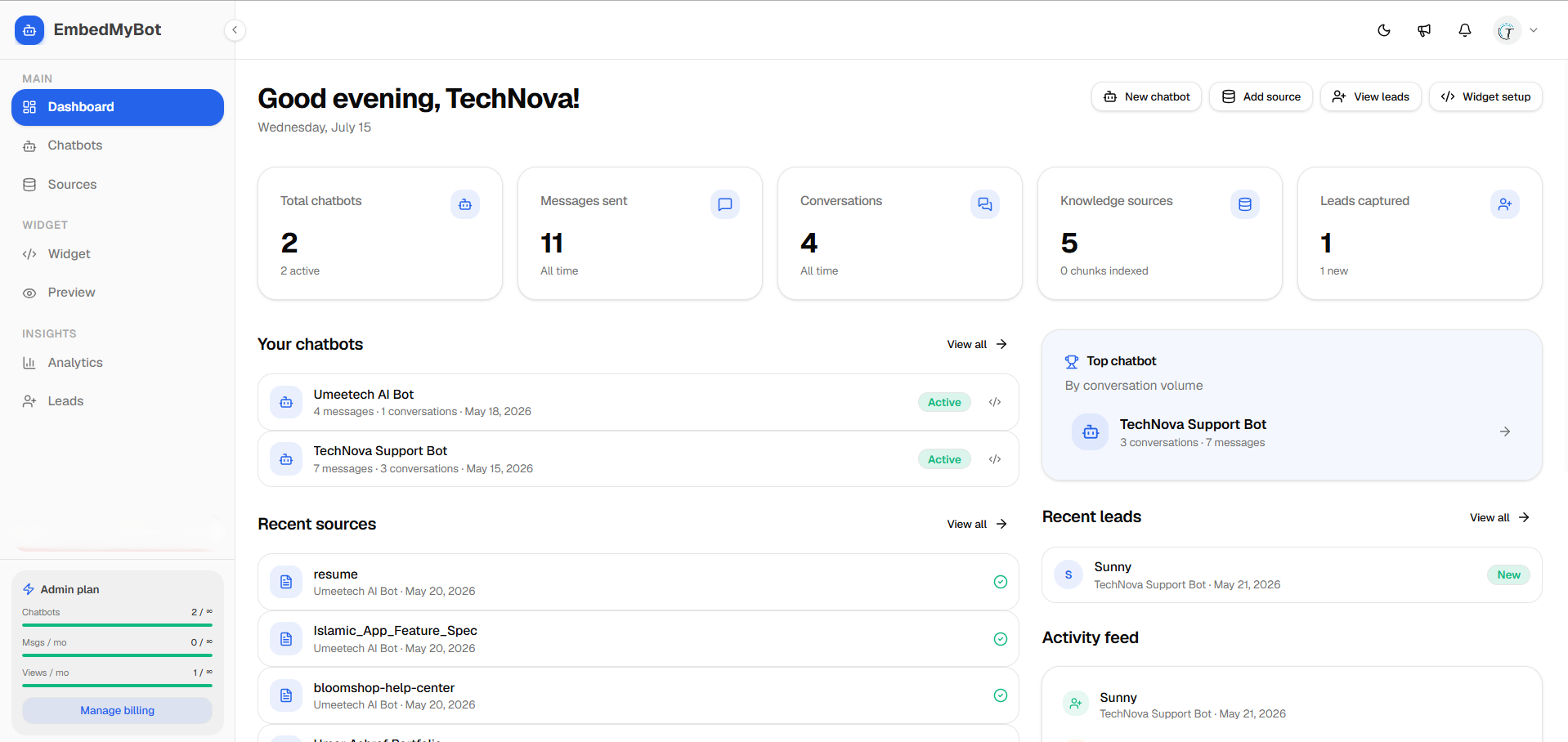
How it works
- Create a chatbot in your dashboard.
- Train it on your content, crawl your site, upload files, or add Q&A.
- Customize the look and messages, and turn on skills.
- Embed the widget with one script tag, or share the full-page chat link.
What your chatbot can do
- Answer questions from your content, with source citations.
- Capture leads, names, emails, and phone numbers, in-chat.
- Hand off to a human when a visitor needs one.
- Understand images visitors attach (vision).
- Reply in the visitor's language, 90+ languages.
- Collect feedback on answers to spot gaps.
Start here
- Quickstart, create your first chatbot end to end.
- Install the widget, the universal script and where to paste it.
- Training your chatbot, build and update the knowledge base.
For developers
- Embed options, every
data-*attribute (targeting, lazy load, inline mode). - JavaScript API, open, close, send messages, and listen for events.
- Custom CSS & JS, fine-tune styling and add your own logic.
- Analytics & GA events, auto-forwarded events for GA4 / GTM.
- Domain allowlist & security, restrict where the widget can load.
Install guides
You'll need your Chatbot ID. Find it in your dashboard under the widget's install screen, it's the value in
data-chatbot-id. New here? Start with the Quickstart.