
Documentation
Training your chatbot
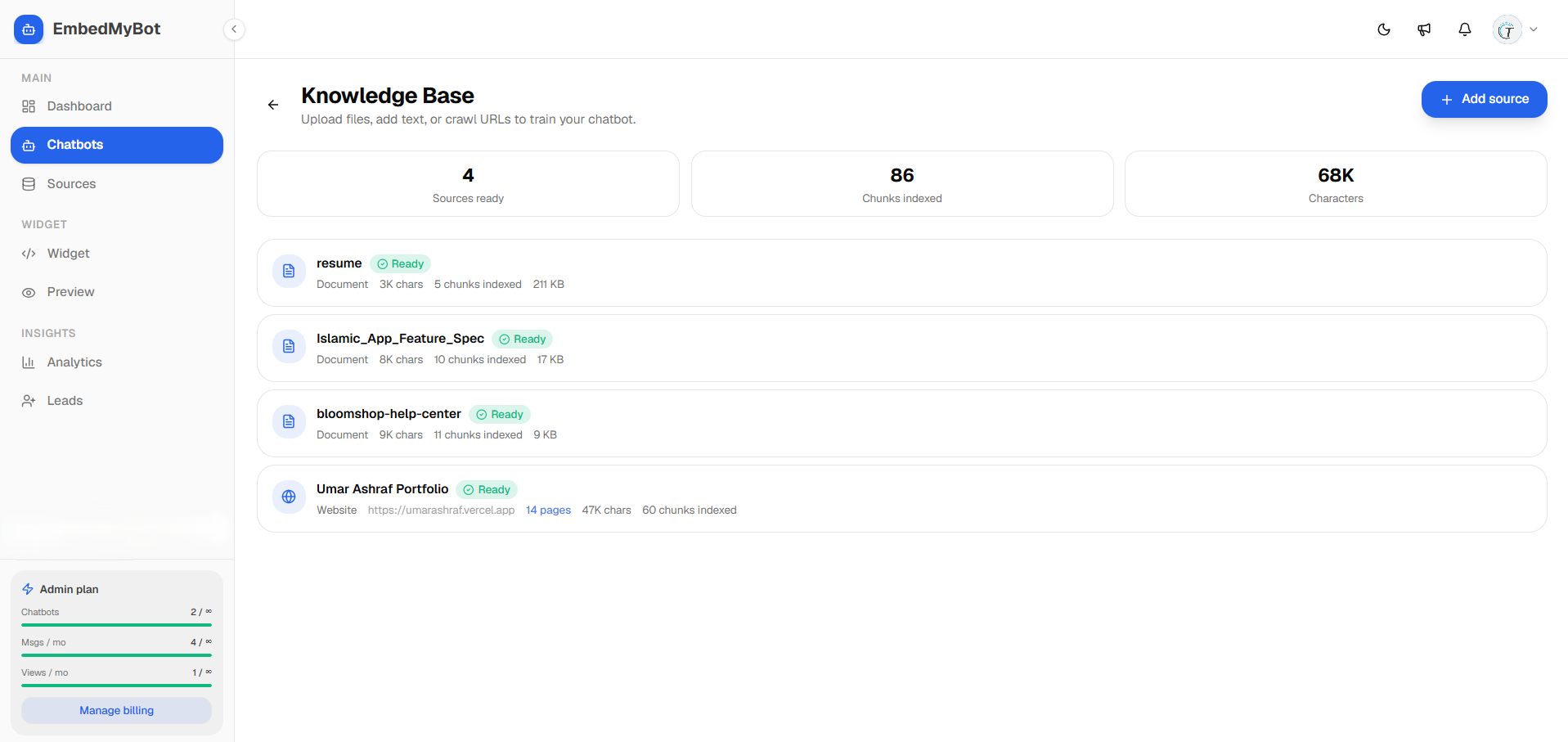
Give your chatbot knowledge by crawling your website, uploading files, or pasting text and Q&A — then re-train to update it.
Your chatbot answers from its knowledge base — the sources you add. The more relevant and well-structured the content, the better the answers.
Add knowledge sources
- Website URL — we crawl your public pages and index the text, links, and product/preview images.
- File upload — add PDFs, docs, and text files (e.g. manuals, policies, price lists).
- Text / Q&A — paste custom text or specific question-and-answer pairs to fill gaps.
Re-training (re-indexing)
After you add or change content, re-index the source so the chatbot learns the updates. Indexing runs in the background — a source shows as *ready* when it's done.
Clickable links and preview images in answers only appear after a source is (re-)indexed with the latest crawler. If an older chatbot isn't showing them, re-train its website source.
Tips for better answers
- Make sure the pages you want indexed are public and crawlable (not behind a login).
- Use clear headings and structured content — prices, plans, and steps are easier to quote when they're explicit.
- Add Q&A pairs for questions your site doesn't answer directly.
- Keep sources current — re-train after major site or pricing changes.